
How to Redeem and Activate a Steam Key
A plain-English guide to redeeming and activating a Steam key on desktop or mobile in under a minute — plus fixes for the errors people hit most.
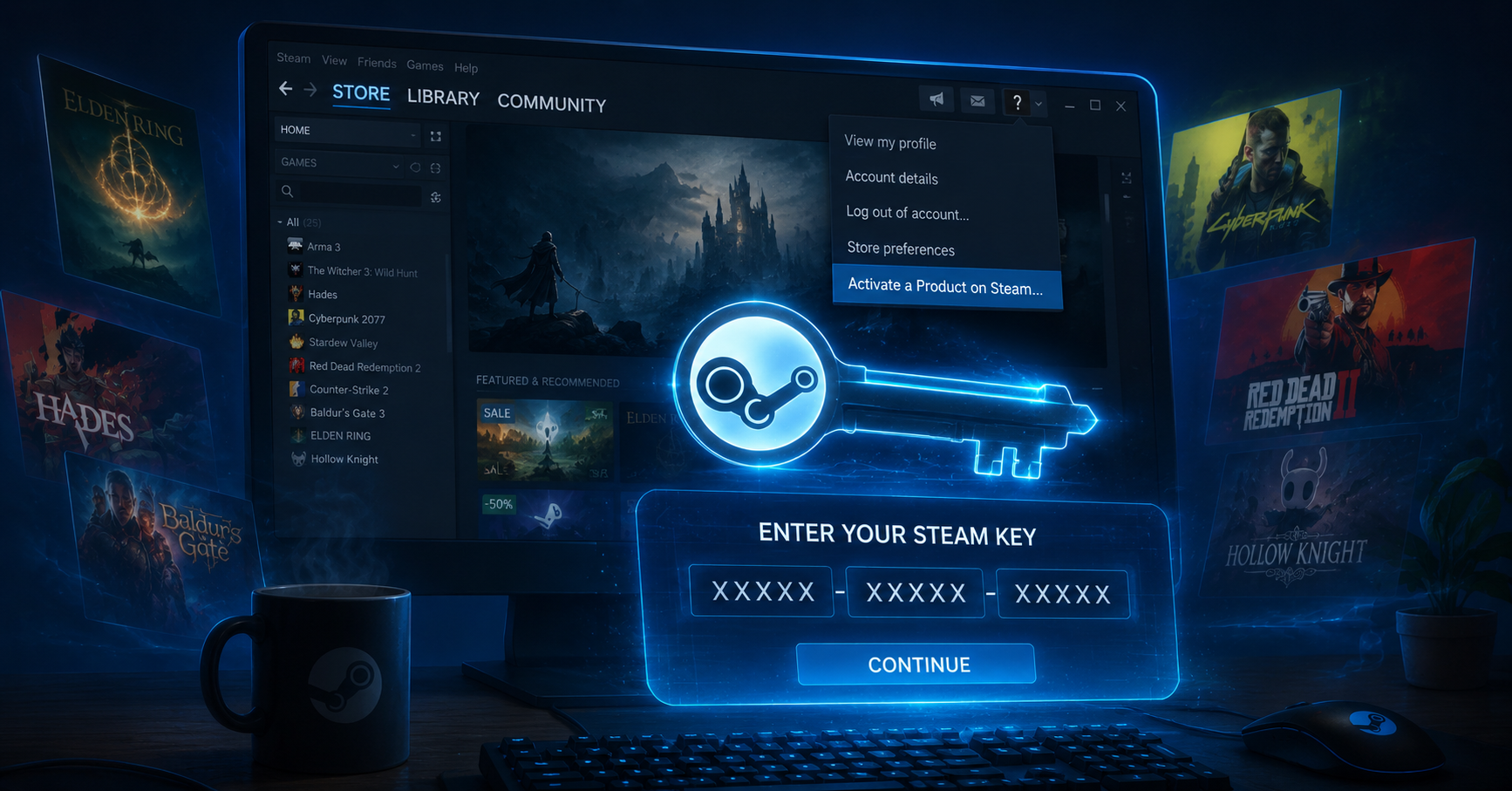
Bought a cheap Steam key and not sure what to do with it? You're in the right place. A Steam key is just a code that adds a game to your library permanently — once it's redeemed, the game is yours like any other purchase. This guide walks you through redeeming and activating a key on both desktop and the mobile app, and what to do if Steam throws an error.
What Is a Steam Key?
A Steam key is a string of letters and numbers in the format XXXXX-XXXXX-XXXXX that unlocks a specific game on Steam. Developers and authorized stores hand out these keys so you can activate a game without buying it directly through the Steam store. Redeeming one ties the game to your account forever — it's not a rental or a timed trial, and it's different from a Steam gift, which is sent account-to-account.
How to Redeem a Steam Key on Desktop (Step by Step)
Redeeming on the desktop client takes about thirty seconds: 1. Open the Steam app and sign in to your account. 2. In the bottom-left menu, click Games, then Activate a Product on Steam. 3. Click Next and accept the Steam Subscriber Agreement. 4. Type or paste your key into the box and confirm. 5. Steam adds the game to your library — click Install to download it. If the code doesn't paste cleanly, enter it manually and double-check for an O vs. 0 or an I vs. 1.
How to Redeem a Steam Key on Mobile
No PC nearby? You can activate a key straight from the Steam Mobile app. Sign in, open the menu, and tap Activate a Product. Enter your key, accept the agreement, and the game lands in your library — ready to download next time you're at your PC or Steam Deck. The process is identical to desktop; only the menu location differs.
Before you buy or redeem, check the key's region. A key sold for one region may refuse to activate in another, and that's the single most common reason a valid code "doesn't work." Only enter keys from sellers you trust — never type a code into a random pop-up or unofficial site.
| Error message | What it means | How to fix it |
|---|---|---|
| Invalid activation code | Typo, or wrong code copied | Re-enter manually; check O/0 and I/1 |
| This Steam key has already been activated | Code was already used | Contact the seller for a replacement |
| This product is not available in your region | Region-locked key | Use a key that matches your Steam region |
| An unexpected error has occurred | Temporary Steam issue | Wait a few minutes and retry |